PCONNECTCE
PCONNECTCE
End of lifePocketPC Datalogger Software with Connector and Cable
No longer available to order
This product is retained for service, documentation, and compatibility information.
Replaced by
- LoggerLink
Mobile Apps for iOS and Android
- Model:
- PCONNECTCE
- Item Number:
- 16471
- Warranty:
- 90 days
Overview
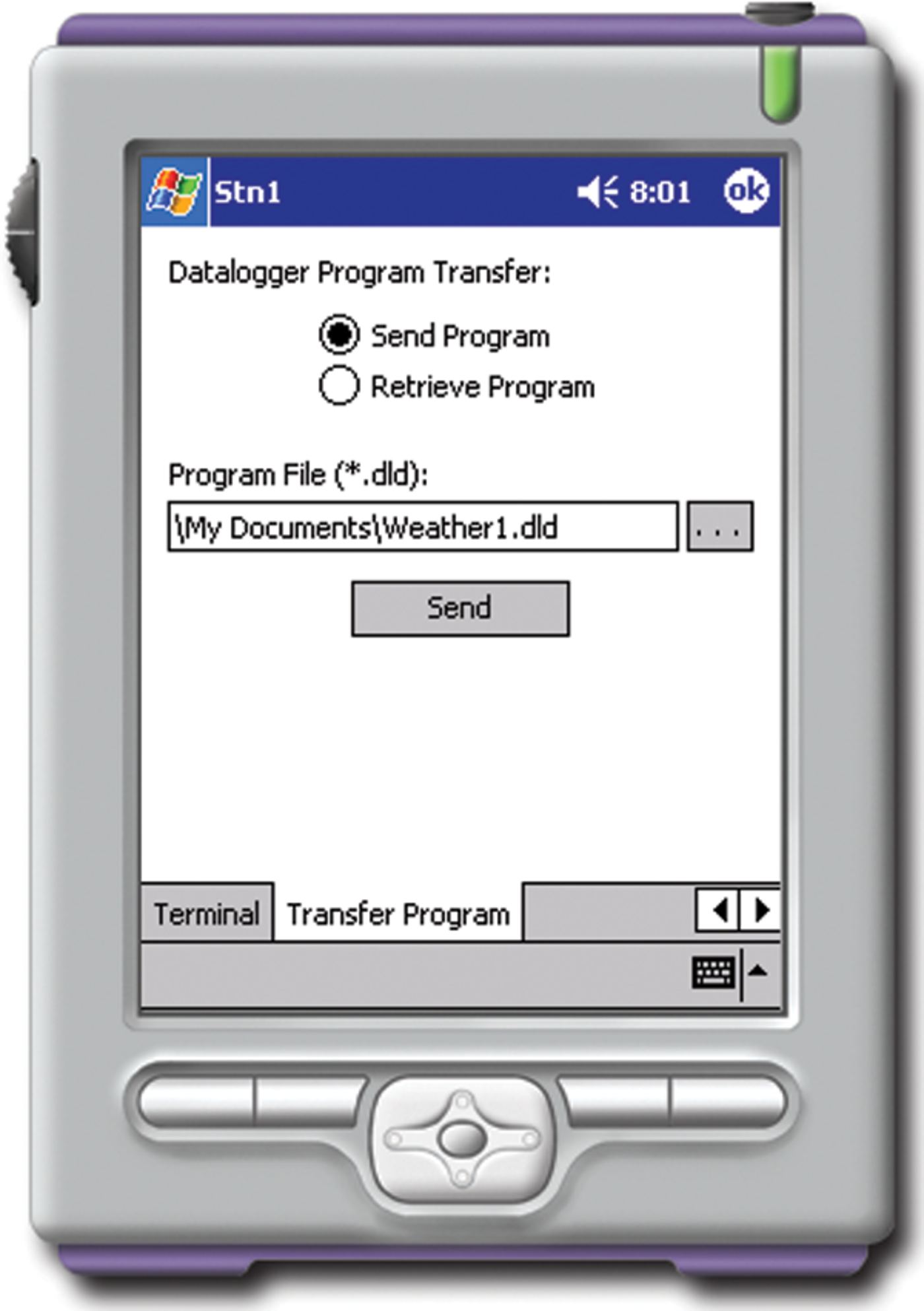
PConnectCE software supports communications between a Campbell Scientific data logger and a PocketPC or Windows Mobile device. PConnectCE allows you to go into the field carrying only your PDA and cables instead of having to lug a laptop computer to communicate with your data logger and collect your data.
Key Advantages
Technical Description
PConnectCE can be used to collect data from the data logger, and transfer the data to an office PC. Collected data are transferred to the PC during the ActiveSync® process. This process also synchronizes program files between the handheld and the PC.
Functions supported by PConnectCE includes the capability to:
- Create unique station files for each data logger
- Collect data from the data logger
- Display real-time data logger measurements. Measurements are updated every two seconds.
- Set data logger flags, ports, and clock
- Access the data logger terminal mode
- Transfer data logger programs between the data logger and handheld
- Display Final Storage data in tabular or comma-separated format
- Communicate using a direct serial connection, RF401-series Spread Spectrum Radio, or Bluetooth
- Graph one element from any array
- Communicate at baud rates of 38,400 bps (CR800, CR850, CR1000, CR23X, CR3000) and 9,600 bps (all other data loggers)
DCE/DTE Information
PConnectCE ships with connectors and cables that assume the PDA acts as a DCE device (data communications equipment), with the 9-pin cable terminating in a female connection. Some PDAs act like a DTE device (data terminal equipment) and the 9-pin cable terminates in a male connection. If this is the case, for communication via the CS I/O port, you will most likely use an SC32B (purchased separately) in place of the PDA-to-CSI/O connector that ships with the software. To communicate via the data logger's RS-232 port, the PDA's serial cable can be plugged in directly to the data logger's RS-232 port (or a standard serial cable can be used if extended cable length is required). There may be exceptions, however, to this general rule. If you have questions about the RS-232 capabilities of your handheld device, check with the device manufacturer.
Specifications
- Software Requirements
- A compatible version of Microsoft ActiveSync installed on the PCOne copy of PConnectCE software per handheld
- PDA Operating System
- Microsoft Pocket PC or Windows Mobile
- Operating Temperature
- -25° to +50°C
- CE Compliance
- CE Compliant
- PDA to RS-232 Cable Length
- 38.0 cm
(15.0 in.)
- PDA to RS-232 Cable Weight
- 75 g
(2.6 oz)
- PDA to CS I/O Connector Dimensions
- 2.3 x 4.1 x 7.6 cm
(0.9 x 1.6 x 3.0 in.)
- PDA to CS I/O Connector Weight
- 41 g
(1.6 oz)
Ships With
(2)- PDA-to-CS I/O connector
- PDA-to-RS232 cable
Compatibility
Note: The following shows notable compatibility information. It is not a comprehensive list of all compatible or incompatible products.
Data Logger Considerations
Data Logger Interfacing
- PDA-to-CS I/O connector or PDA-to-RS232 cable.
--OR--
- SC-IRDA Infrared Interface connects to the CS I/O port (not compatible w/CR200(X)-series)
PDA Requirements
- Operating system: Microsoft Pocket PC or Windows Mobile®
- Must be capable of serial communication
- If using the SC-IRDA, the PDA must have an IRDA port and an IR chip set compatible with the SC-IRDA.
- For Bluetooth communication, the handheld must be Bluetooth enabled.
- Pocket PCs or Mobile Handhelds Tested by Campbell Scientific
Communication Requirements
PDA Connection for Serial Communication
PDA-to-serial cable or cradle (one end of the cable/cradle must terminate in a 9-pin serial connector) is required. The cable/cradle connects to the PDA-to-CS I/O connector or PDA-to-RS232 cable via the 9-pin serial connector. This cable/cradle may be included with the PDA, or it may need to be purchased as a separate accessory from the PDA manufacturer or a third party supplier.
Bluetooth Communication
Third-party Bluetooth serial adapter is required. The interface and/or cables that are used to connect the adapter to the data logger will vary, depending upon whether the device acts like a DTE (computer) device or DCE (PDA) device. In some instances, this is evident by the pin-out of the adapter, but not always. A general rule is if the adapter has a 9-pin female connector, then the adapter is connected to the data logger using the PDA-to-CS I/O connector for the CS I/O port or the PDA-to-RS232 cable for the RS-232 port. If the adapter has a 9-pin male connector, then the adapter is connected to the data logger using an SC32B for the CS I/O port or it can be connected directly to the RS-232 port.
Software
- A compatible version of Microsoft ActiveSync installed on the PC
- One copy of PConnectCE software per handheld
Compatible Products
(15)
Basic Datalogger
Basic Datalogger
RetiredNotes—
Basic Datalogger
Basic Datalogger
RetiredNotesFor the CR510, CR10X, and CR23X, support for both the mixed-array and PakBus® data logger operating systems is provided in PConnectCE version 2.0 or higher; prior versions only supported the mixed-array OS.
CR10
Measurement and Control System
RetiredNotes—
CR200X
Datalogger
RetiredNotesThe CR200X-series and CR1000 dataloggers require PConnectCE version 2.0 or higher.
CR206X
Datalogger with 900 MHz Spread-Spectrum Radio
RetiredNotesThe CR200X-series and CR1000 dataloggers require PConnectCE version 2.0 or higher.
CR211X
Datalogger with 922 MHz Spread-Spectrum Radio
End of lifeNotesThe CR200X-series and CR1000 dataloggers require PConnectCE version 2.0 or higher.
CR216X
Datalogger with 2.4 GHz Spread-Spectrum Radio
RetiredNotesThe CR200X-series and CR1000 dataloggers require PConnectCE version 2.0 or higher.
CR295X
Datalogger for GOES Satellite Communication
RetiredNotesThe CR200X-series and CR1000 dataloggers require PConnectCE version 2.0 or higher.
CR800
Measurement and Control Datalogger
RetiredNotesThe CR800 and CR850 require PConnectCE version 2.2 or higher.
CR850
Measurement and Control Datalogger
RetiredNotesThe CR800 and CR850 require PConnectCE version 2.2 or higher.
CR1000
Measurement and Control Datalogger
RetiredNotesThe CR200X-series and CR1000 dataloggers require PConnectCE version 2.0 or higher.
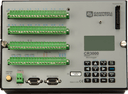
CR3000
Measurement and Control Datalogger
RetiredNotesThe CR3000 requires PConnectCE version 2.1 or higher.
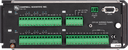
Datalogger for Measurement and Control
Datalogger for Measurement and Control
RetiredNotesFor the CR510, CR10X, and CR23X, support for both the mixed-array and PakBus® data logger operating systems is provided in PConnectCE version 2.0 or higher; prior versions only supported the mixed-array OS.
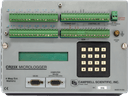
Micrologger for Data Acquisition
Micrologger for Data Acquisition
RetiredNotesFor the CR510, CR10X, and CR23X, support for both the mixed-array and PakBus® data logger operating systems is provided in PConnectCE version 2.0 or higher; prior versions only supported the mixed-array OS.
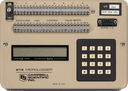
Micrologger®
Micrologger®
RetiredNotes—
Related Resources
Documents
Downloads
Product Life Events
- Available for Order
- January 1, 1950
- Retired
- December 31, 2014
- Free Support Until
- March 31, 2018
- End of Life
- March 31, 2018
- Calibration Available Until
- March 31, 2018
- Repair Available Until
- March 31, 2018