LoggerNet
LoggerNet
OrderableData Logger Support Software
Overview
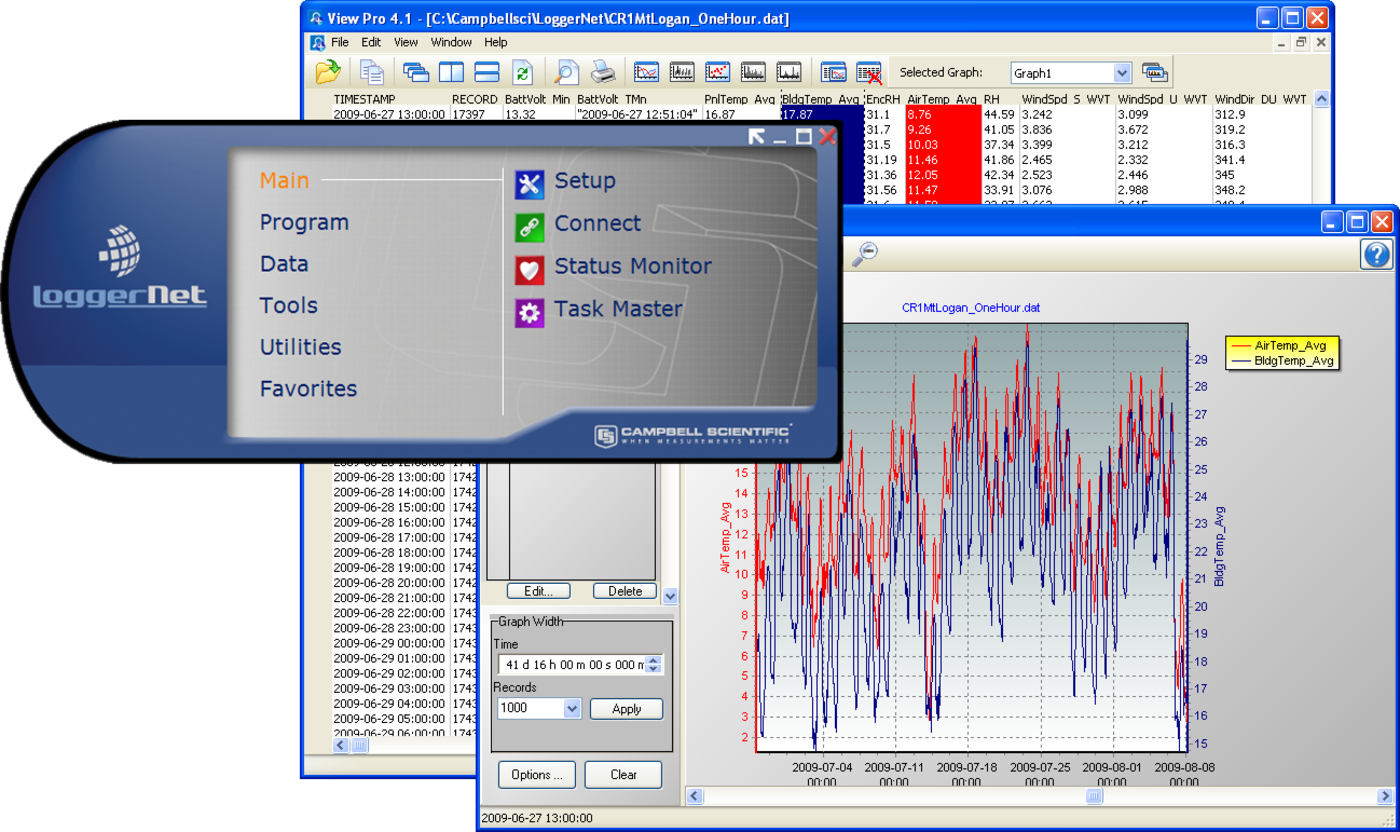
LoggerNet is our main data logger support software package. It supports programming, communication, and data retrieval between data loggers and a PC.
LoggerNet consists of a server application and several client applications integrated into a single product. It can support connection to a single data logger, but it is especially adept in applications that require telecommunications or scheduled data retrieval used in large data logger networks.
A copy of the current software license agreement (end-user license agreement) for LoggerNet is available in the LoggerNet Instruction Manual.
Key Advantages
Contains advanced programming and communication capabilities
Technical Description
The standard LoggerNet software package is recommended for those who have data logger networks that do not require the more advanced features offered in LoggerNet Admin. It includes the LoggerNet server and client applications. The LoggerNet server stores the data in a cache and writes data to a variety of formats, including ASCII, binary, and XML.
The LoggerNet server and client applications enable you to do the following:
- Configure the server to communicate with multiple data loggers via a variety of communications hardware
- Create custom data logger programs using Short Cut, Edlog, or the CRBasic Editor
- Connect to a data logger to check or set the clock, send programs, or perform other administrative functions
- Collect data on demand or schedule
- Monitor and troubleshoot the network
- Display real-time data in a numeric display or graph
- View and graph data files
- Create graphical data displays that update when data is collected and allow you to control flags, ports, and variables
- Create automated tasks
- Process data files using Split
- Save data in formats (including CSV and XML) that can be imported into third-party analysis packages.
The client applications included in the standard LoggerNet software package are the following:
- Setup
- Connect
- Status Monitor
- Task Master
- Short Cut
- CRBasic Editor
- Edlog
- Transformer
- RTMC Development
- RTMC Run-Time
- View Pro
- Split
- CardConvert
- Troubleshooter
- Network Planner
- PakBus Graph
- LogTool
- Device Configuration Utility
- CoraScript
Version History
|
Product Notes
Benefits
- Creates custom data logger programs using Edlog or CRBasic
- Displays or graphs real-time or historic data
- Builds custom display screens to view data or control flags/ports
- Retrieves data using any of our telecommunication options
- Processes data files using Split
- Saves data in formats (including CSV and XML) that can be imported into third-party analysis packages
Specifications
- Operating System
- Windows 11 or 10
(Both 32- and 64-bit operating systems are supported.)
- Requirement
- .NET 4.6.2
- Purchased Separately
- Yes
- Software Level
- Intermediate to advanced
- Communications Supported
- Direct connect, Ethernet, short-haul, phone modems (land-line, cellular, voice synthesized), RF transceivers (UHF, VHF, and spread spectrum), multidrop modems
Combinations of communication devices supported. - Scheduled Data Collection Supported
- Yes
- Data Display Supported
- Numeric, graphical, Boolean data objects
Military Certificate of Networthiness (CoN)
- Certifications
- LoggerNet 4.x is certified as Cert #201416752.LoggerNet 4.x is certified as an upgrade to 4.0 and has ASC CoN ID 12274.
Services
(2)17787
Onsite Training Class, 4 Days, CR1000X, by 1 Support and Implementation Specialist
This class includes four days of training on the CR1000 and LoggerNet at your site. One Applications Engineer conducts the training (five people maximum). Our travel expenses within the continental United States are included, as are use of dataloggers, computers, software, sensors, and instructional materials. Our training materials are shipped in cases that contain three training set-ups per case; we have four cases available for training.
Orderable17789
Training Class at Campbell Scientific, 4 Days, CR1000/LoggerNet, for 1 Person
We offer training courses at our factory in Logan, Utah. Price includes four days of instruction on the CR1000 Datalogger and LoggerNet software, and allows the use of training computers, dataloggers, and facilities. Travel and accommodations are NOT included. Lunch will be provided by Campbell Scientific on each day of class.
Orderable

Compatibility
Data Logger Considerations
LoggerNet supports Campbell Scientific data loggers.
Communications
LoggerNet runs on a PC, using serial ports, telephony drivers, and Ethernet hardware to communicate with data loggers via phone modems, RF devices, and other peripherals.
Software
The development tool of RTMC Pro 1.x and 2.x is not compatible with the RTMC run-time and the standard RTMC development tool in LoggerNet 4. An upgrade for RTMC Pro must be purchased separately.
Computer
LoggerNet is a collection of 32-bit programs designed to run on Intel-based computers running Microsoft Windows operating systems. LoggerNet runs on Windows 10 and Windows 11. LoggerNet runs on both 32-bit and 64-bit versions of these operating systems.
Other Products
LoggerNet supports most commercially available sensors, SDM devices, multiplexers, relays, vibrating-wire interfaces, ET107, CompactFlash cards, microSD cards, and PC cards.
Compatible Products
(2)

Related Resources
Case Studies
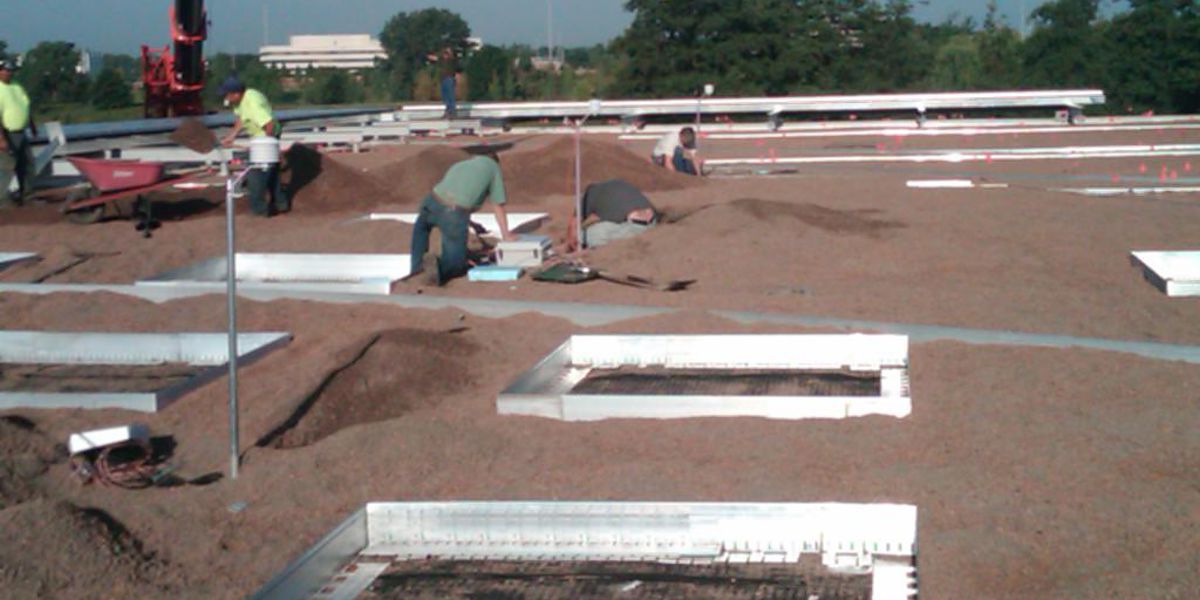
Illinois: Research Roof Garden
Monitoring conditions in research roof garden
Chicago, Illinois
March 3, 2010
View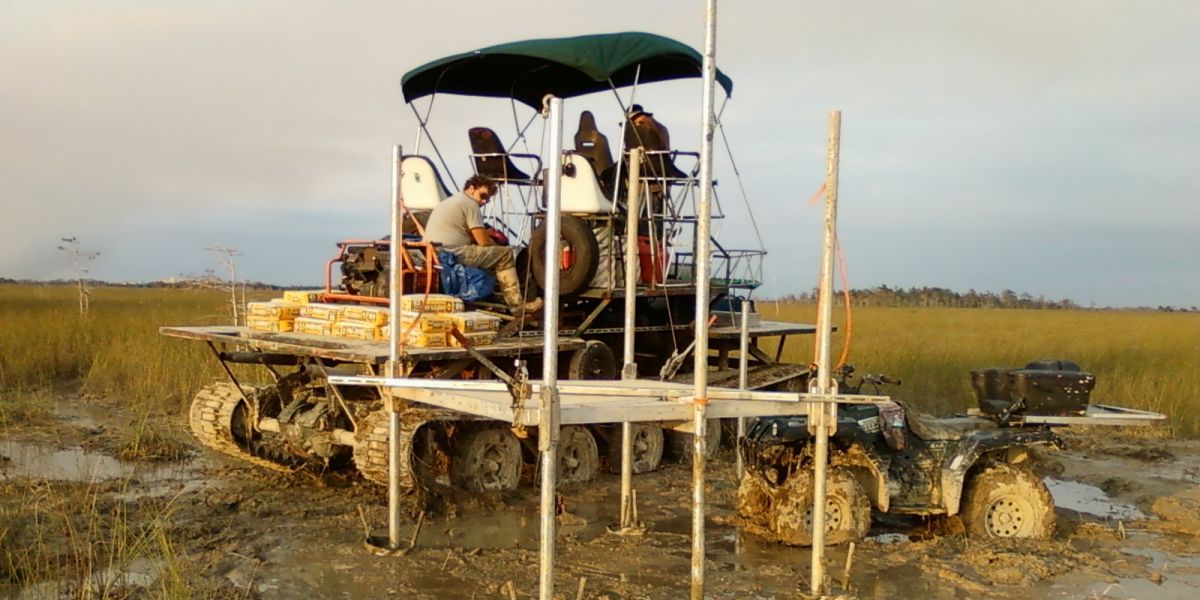
Florida: Protecting an Endangered Species’ Habitat
Monitoring surface water and shallow groundwater levels
Everglades, Florida, USA
February 4, 2014
View
Italy: CS725 SWE Sensor Field Test
Tellinod (Municipality of Torgnon), northwest Italy
February 17, 2016
View
New Mexico: SCADA System
Replacing an existing SCADA system
Albuquerque, New Mexico, USA
May 4, 2017
View
Showing 4 of 26 results
See all Case StudiesDocuments
Downloads
- What's new in LoggerNet 4 Tutorial (exe format)
September 14, 2009
Software ApplicationsLoggerNet 4.0 was released in August of 2009. This tutorial demonstrates some of the new features and enhancements. Two new applications, View Pro and the Network Planner, are introduced.
- LoggerNet Patchv4.10.1Login required
April 9, 2026
Software ApplicationsThis patch will upgrade LoggerNet, LoggerNet Remote or LoggerNet Admin version 4.0 and newer to 4.10.1. A version of LoggerNet 4.x must be installed on the computer. Note: This patch includes RTMC Run-time and the RTMC Standard Development v5.0.1. If you are using RTMC Pro 4.3.3 or older or CSI Web Server 1.6 or older and plan to continue creating RTMC projects, we recommend that you opt out on updating RTMC during the install or upgrade to RTMC Pro v5.0.1. LoggerNet Admin and Remote: A change was made in the way the LoggerNet 4.6 Server performs "Custom Data Collection". A corresponding change was made in the Connect Screen 4.6 client "Custom Data Collection" functionality. If you require "Custom Data Collection" functionality with the Connect Screen client, assure that the LoggerNet Servers and Connect Screen clients are 4.6 or higher. This application requires the Microsoft .Net 4.6.2 Framework. If it is not already installed on your computer, it can be obtained from the Microsoft Download Center. Supported Operating Systems: (32 and 64 bit) Windows 11 or 10.
- LoggerNet Trialv4.10.1Login required
April 9, 2026
Software ApplicationsThis is a fully functional 30 day trial of the standard version of LoggerNet. This is a trial only and can not be activated as a full version with a license key. (Network setup and data is preserved from the trial when installing the full version.) Current LoggerNet users: It is recommended that you install the trial on a computer other than the one running your existing LoggerNet. If that is not practical, we strongly recommend you back up the LoggerNet working directory to prevent backward compatibility issues if you revert to a previous version. To revert you must re-install LoggerNet using the original disk and software key. Note: This application requires the Microsoft .Net 4.6.2 Framework. If it is not already installed on your computer, it can be obtained from the Microsoft Download Center. Supported Operating Systems: (32 and 64 bit) Windows 11 or 10.
Videos and Tutorials
LoggerNet Software | Network Planner
April 16, 2013 (4:05)
Designing a PakBus™ network using the Network Planner tool in LoggerNet
Watch
CRBasic | Features
December 16, 2013 (10:36)
Key features of the CRBasic programming language
Watch
CRBasic | Help System
December 16, 2013 (3:30)
The help system within LoggerNet's CRBasic programming language
Watch
CRBasic | Common Errors
December 16, 2013 (11:45)
Identifying and fixing common errors in the CRBasic programming language
Watch
Showing 4 of 34 results
See all Videos and Tutorials