Product Line
| Operating System | Requirement | Purchased Separately | |
|---|---|---|---|
LoggerNet
|
Windows 11 or 10 (Both 32- and 64-bit operating systems are supported.) | .NET 4.6.2 | Yes |
RTMCPRO
|
Windows 11 and 10 (Both 32- and 64-bit operating systems are supported.) | — | Yes, as an enhancement to RTMC |
RTDAQ
|
Windows 11 or 10 | — | Yes |
Other Products
| Operating System | Requirement | Purchased Separately | |
|---|---|---|---|
LoggerNet Upgrade
|
Windows 11 or 10 (Both 32- and 64-bit operating systems are supported.) |
|
Yes |
RTMC Pro Upgrade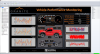
|
Windows 11 or 10 (Both 32- and 64-bit operating systems are supported.) | Requires a licensed copy of LoggerNet, LoggerNetAdmin, or RTDAQ running on PC. | Yes |
PC400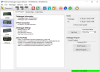
|
Windows 11 or 10 | TCP/IP services must be installed and enabled on the PC. | Yes |
DevConfig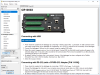
|
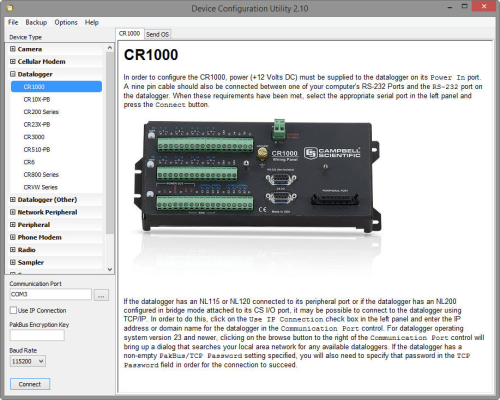
Windows 11 and 10 (Both 32- and 64-bit operating systems are supported.) | — | Free download |
Short Cut
|
Windows 11 and 10 (Both 32- and 64-bit operating systems are supported.) | .NET 4.0 | Free download |
RTMC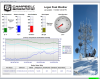
|
Windows 11 or 10 (Both 32- and 64-bit operating systems are supported.) | — | No (Bundled with LoggerNet, LoggerNet Admin, and RTDAQ software) |
RTMCRT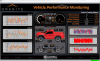
|
Windows 11 or 10 (32- and 64-bit operating systems are supported.) | Requires a licensed copy of LoggerNet, LoggerNetAdmin, or RTDAQ running on PC. | — |
Retired Products


Frequently Asked Questions
Number of FAQs related to General Programming and Data Collection: 3
Expand AllCollapse All
-
No. The libexpat.dll module used by some of our applications is sometimes identified as spyware by anti-spyware programs. It is an open-source XML parser, not spyware.
-
Yes. LoggerNet for Linux (LNLinux) allows the LoggerNet server to be run on a Linux computer. The LoggerNet server collects and stores the data, while setup and management of the network are easily handled from a Windows computer running LoggerNet Remote or, rather tediously, using Cora Command on the Linux computer.
-
Transformer is available within LoggerNet 3.2 and higher.
- From the Windows Start Menu, navigate to LoggerNet3.0 | Utilities | Transformer.
- In LoggerNet 4.x, from the main LoggerNet window, navigate to Program | Transformer.
Privacy Policy Update
We've updated our privacy policy. Learn More
Cookie Consent
Update your cookie preferences. Update Cookie Preferences