Documents
Brochures
Miscellaneous
Frequently Asked Questions
Number of FAQs related to Software: 5
Expand AllCollapse All
-
No. The libexpat.dll module used by some of our applications is sometimes identified as spyware by anti-spyware programs. It is an open-source XML parser, not spyware.
-
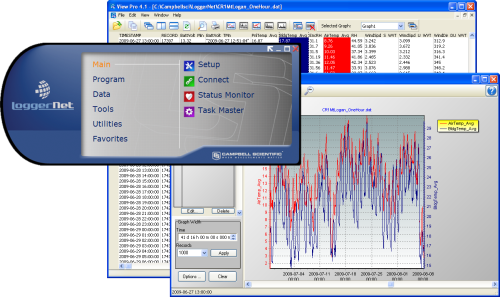
Yes. LoggerNet for Linux (LNLinux) allows the LoggerNet server to be run on a Linux computer. The LoggerNet server collects and stores the data, while setup and management of the network are easily handled from a Windows computer running LoggerNet Remote or, rather tediously, using Cora Command on the Linux computer.
-
Free options include PC400, the Device Configuration Utility and LoggerLink. If your data logger supports Ethernet over USB, you can connect over a browser without the need for Campbell Scientific software. For more information, read the "New Ethernet over USB Functionality for Data Loggers" blog article.
-
Transformer is available within LoggerNet 3.2 and higher.
- From the Windows Start Menu, navigate to LoggerNet3.0 | Utilities | Transformer.
- In LoggerNet 4.x, from the main LoggerNet window, navigate to Program | Transformer.
-
When a new version of software is released, users of that software are entitled to a free patch or an upgrade at a discounted price, depending on the current license owned.
- A patch is offered to users who currently own a license for a version of the software that has the same major revision number as the new release. For example, if a user owns version 1 of the software and version 1.1 is released, the user can download a patch free of charge from our website.
- Upgrade pricing is offered to users who own a license that has a major revision number different from the new release. For example, if a user owns version 1 of the software and version 2 is released, the user can purchase an upgrade at a discounted price.
Privacy Policy Update
We've updated our privacy policy. Learn More
Cookie Consent
Update your cookie preferences. Update Cookie Preferences