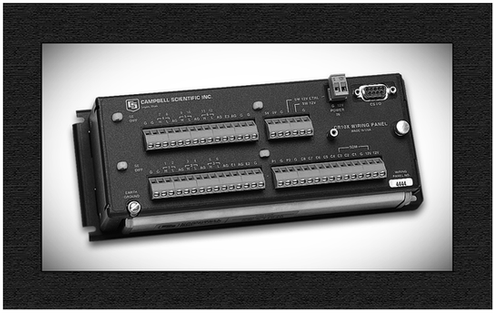
Our retired data loggers are still in use, and some of them use the Edlog programming language. Do you have an Edlog data logger with a .dld compiled program file that you don’t know how to read? Does your .dld file have codes that you don’t understand? Don’t worry. There’s an easy way to make sense of your program file.
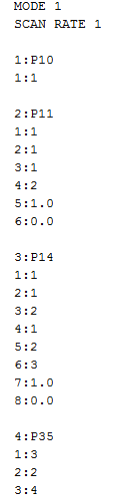
If you are working with an existing data logger station that includes a CR10X, CR23X, CR510, 21X, or other Edlog data logger, the file you retrieved directly from your data logger has a .dld extension. This is the file type that gets sent to the data logger to run, but, unfortunately, it is not very easy to read. For example, you might have a cryptic file that looks like this:
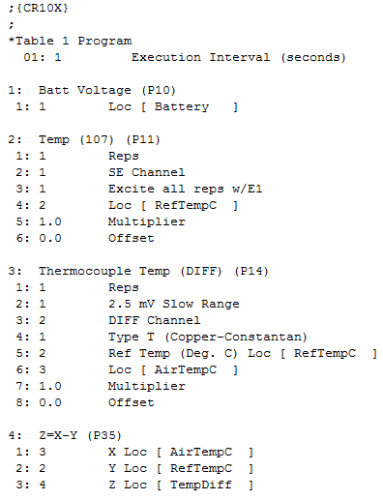
It would be a lot easier if you could change that cryptic file to one like this that describes each instruction, parameter, and input location label:
To learn how to do this, watch the short Edlog Document DLD video below for step-by-step instructions. The video also demonstrates how you can get additional help using your mouse’s right-click button.
Your browser does not support the video tag.
For optimal viewing, click the full-screen button on the right of the video controls.
Still have questions? Feel free to post them below.